Why You Need Use BrowserScan?
Social media is essential for digital marketing, offering marketers a vast opportunity to promote brands and drive traffic. However, managing multiple accounts is complex due to platform restrictions on account limits, which are often insufficient for business needs.
To prevent bans while operating numerous accounts, businesses should use proxies to disguise IP addresses and be aware of the risks posed by unique browser fingerprints. These precautions help maintain privacy and avoid account suspensions across social networks.
What is Browser Fingerprinting?
Browser fingerprinting is a technique used by websites to collect information about your computer or mobile device when you visit them. This information can include the type of device you are using, the operating system, screen size, and even the browser version. All these details help form a unique "fingerprint" that can identify you among many users on the internet.
How BrowserScan Detects Your Browser Data
BrowserScan works by gathering various pieces of information from your browser when you access BrowserScan. It looks at things like:
- Device Type: Identifies whether you are using a desktop, laptop, tablet, or smartphone.
- Operating System: Determines if you're running Windows, macOS, Linux, Android, iOS, or another operating system.
- Screen Resolution: Measures the number of pixels on your screen in width and height.
- Browser Version: Detects which version of popular browsers like Chrome, Firefox, Safari, or Edge you are using.
- Fonts Installed: Checks for specific fonts available on your device that can be used to render text on websites.
- Time Zone: Identifies the time zone set on your device which can indicate your geographical location.
- Language Settings: Detects the language preferences set in your browser or operating system.
- Hardware Configuration: Gathers information about hardware components like CPU type and graphics card which can vary significantly between different devices.
Overview
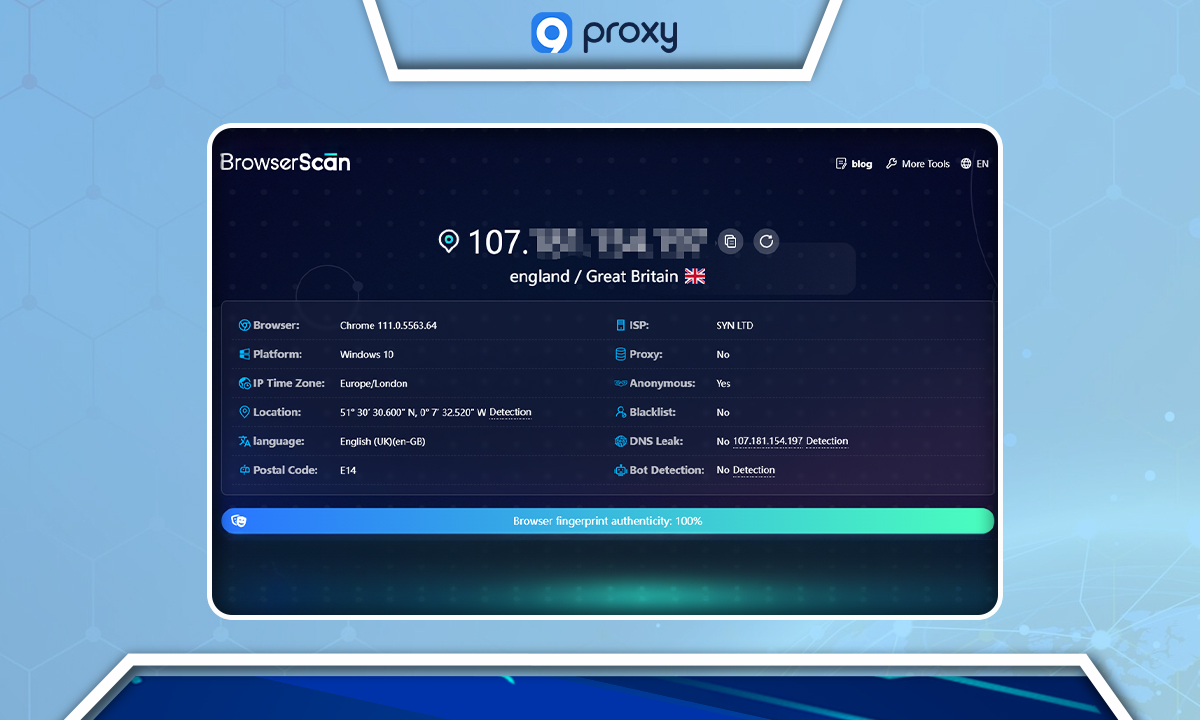
"Overview" displays key criteria that form the basis of browser fingerprinting. This includes detailed information such as the type and version of the browser you're using, the operating system along with its language settings, and various aspects related to your IP address like the postal code, country, longitude, and latitude. It also checks for proxy usage, DNS leaks, and potential bot detection.
- Browser Type & Version
- Operating System
- Language
- IP Address
- Time Zone
- Postal Code
- Country & Geolocation
- Blacklist Status
- DNS Leaks and Bot Detection
Hardware
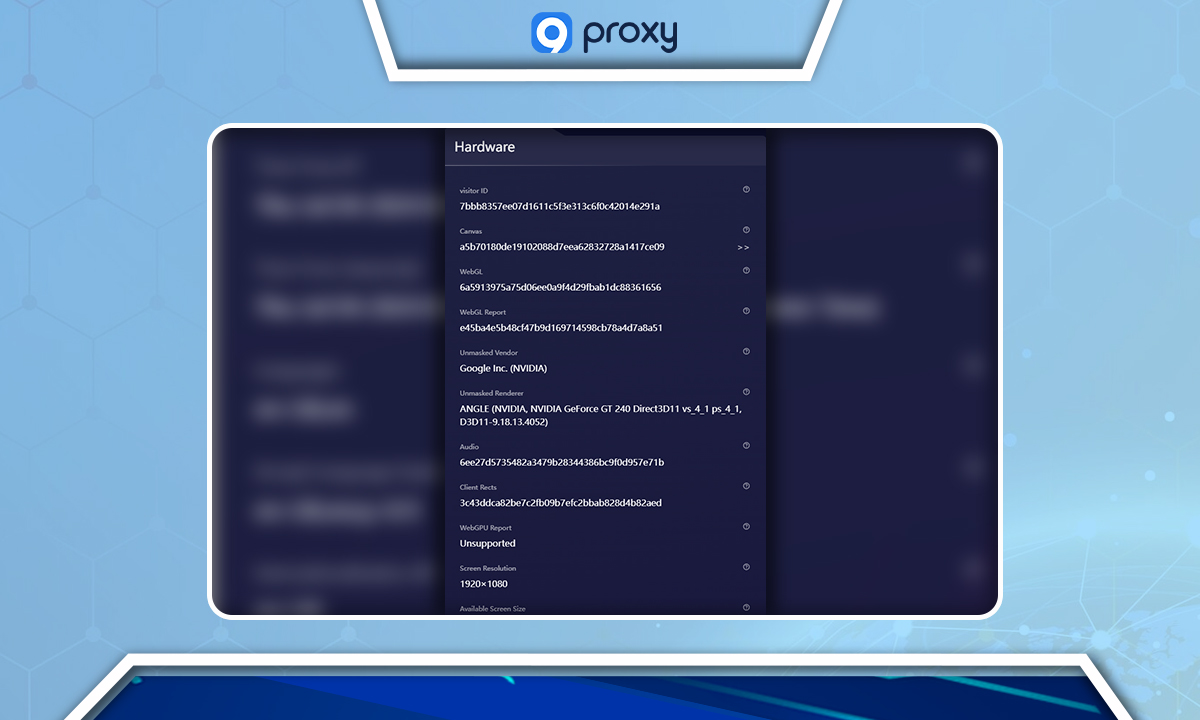
BrowserScan's hardware section provides an in-depth look at your device's specifications, crucial for users employing anti-detect browsers or virtual machines to simulate different devices.
It checks details like your device’s build, Canvas and WebGL traces, CPU cores, and graphics card specs.
This is particularly important as inconsistencies in these details can be detected by websites if the hardware does not convincingly match the simulated user agent—for instance, making a Windows laptop appear as an iPhone.
Software
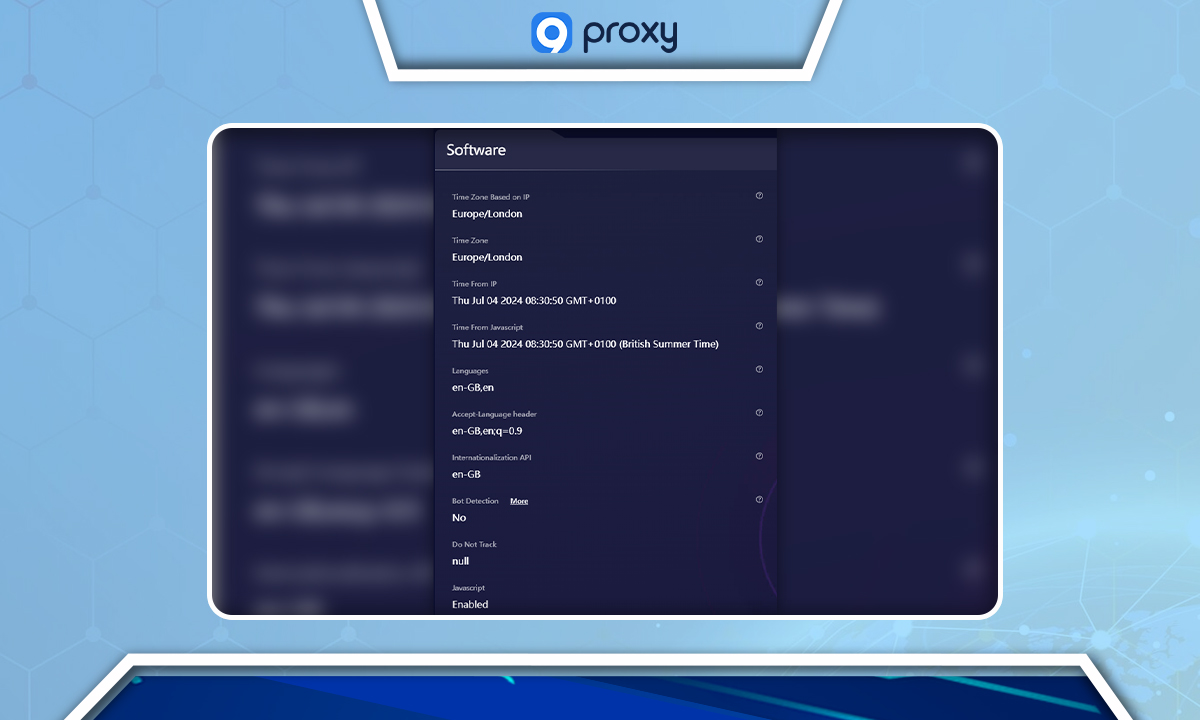
In the Software section, BrowserScan meticulously examines various settings to ensure your browser's configuration is consistent with your online identity.
It checks if the timezone of your IP address aligns with that of your browser and also assesses the language settings and fonts installed on your computer.
Additionally, it gathers time details from JavaScript, verifies whether 'Do Not Track' is enabled, and reviews how cookies are managed. These checks are essential for users who manage multiple accounts and strive to maintain a low profile to avoid account issues and enhance privacy.
By detecting discrepancies in these settings, BrowserScan helps users understand potential vulnerabilities in their digital fingerprint.
WebRTC Leak Evaluation
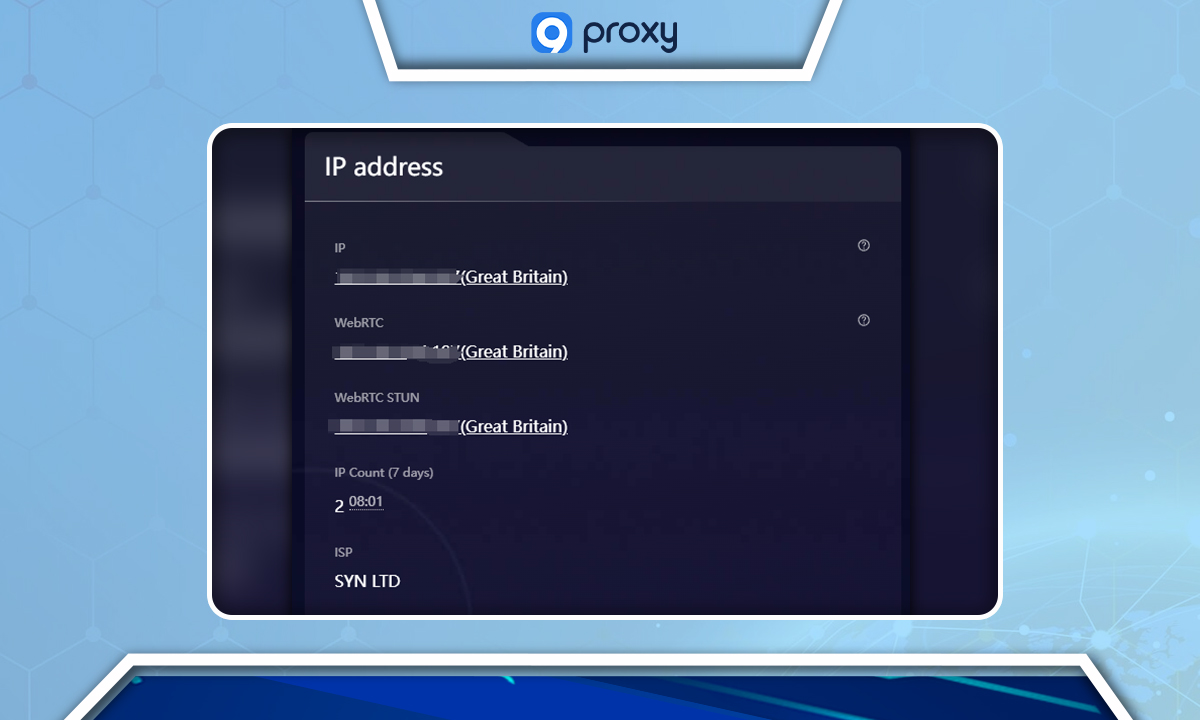
WebRTC is a powerful technology embedded in web browsers, enabling real-time communication. Although beneficial, it comes with risks such as WebRTC leaks, potentially revealing your actual IP address even when you are using a VPN or proxy. BrowserScan meticulously scans for these leaks, ensuring your actual location remains private, supporting the anonymity needed for your diverse online activities.
DNS Leak Detection
DNS leaks are another critical issue addressed by BrowserScan. These occur when DNS queries are sent to your ISP’s server instead of the one specified by your VPN or proxy, risking exposure of your actual whereabouts to websites, a severe privacy issue. BrowserScan actively checks for these leaks to safeguard your online identity and privacy.
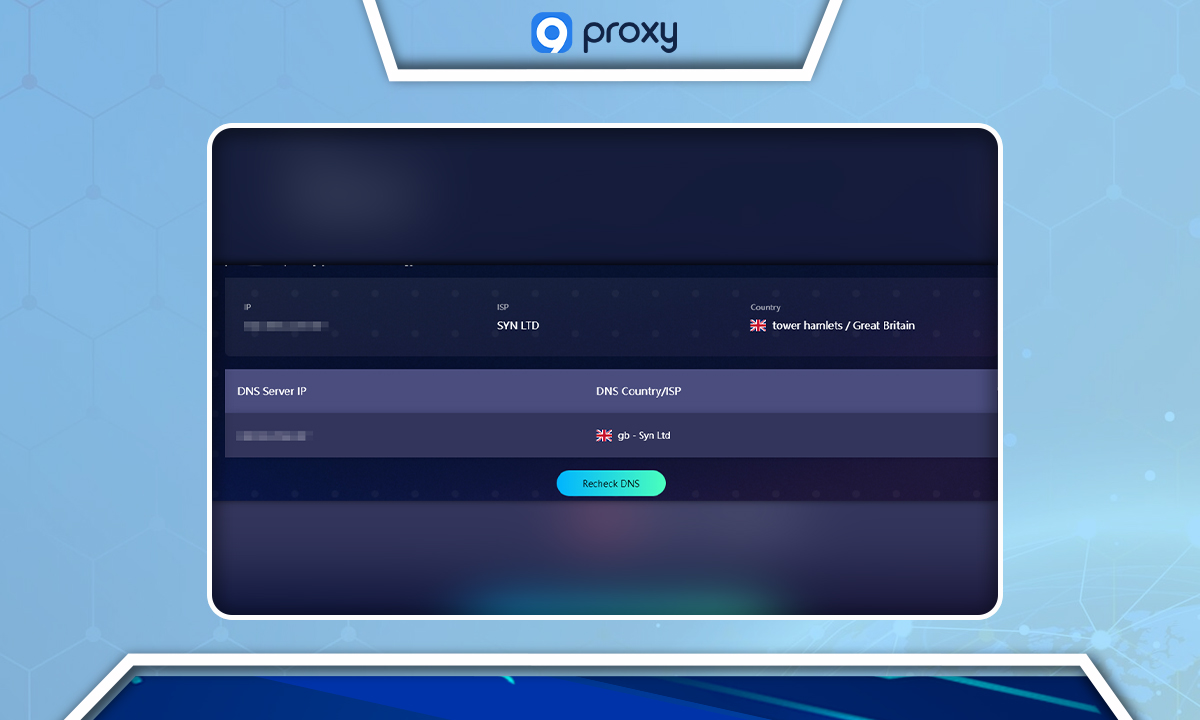
Additional Security Tools
Beyond the standard security checks, BrowserScan offers an extensive suite of tools designed to fortify your digital security:
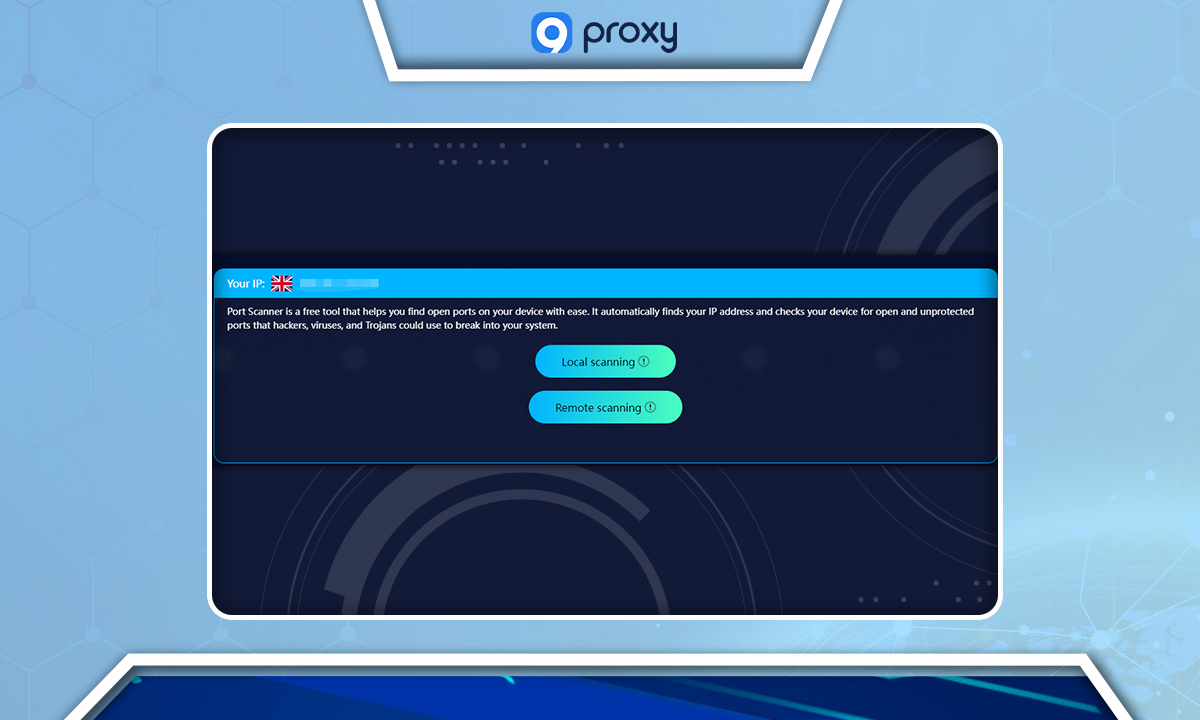
Port Scanner pinpoints any open ports on your device that hackers might exploit.
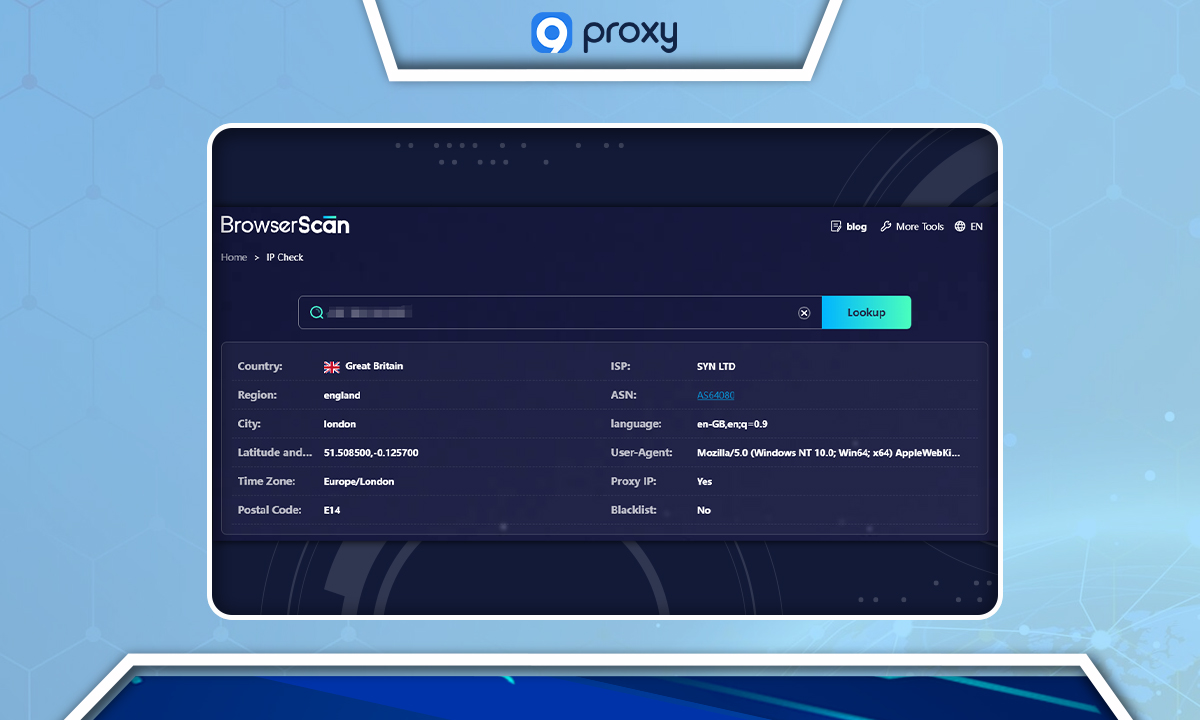
IP Address Lookup delivers detailed information about any IP, including its geographical location and associated browser.
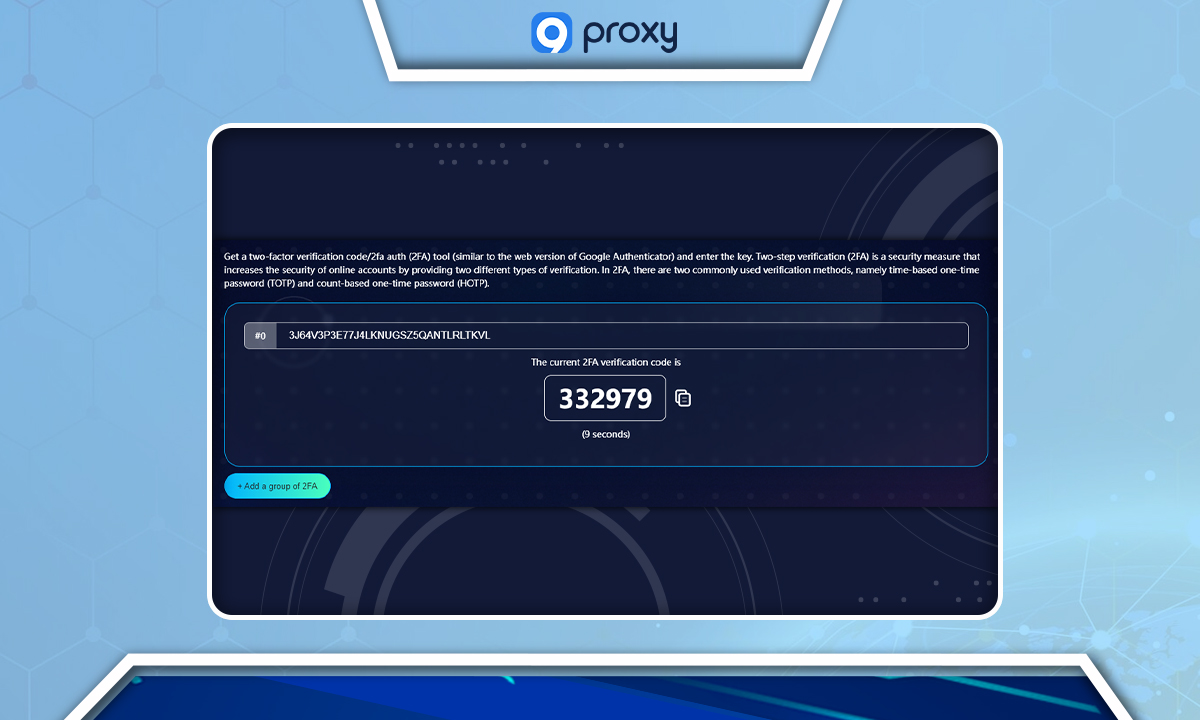
2FA Authenticator bolsters your security during login by generating or confirming security codes.
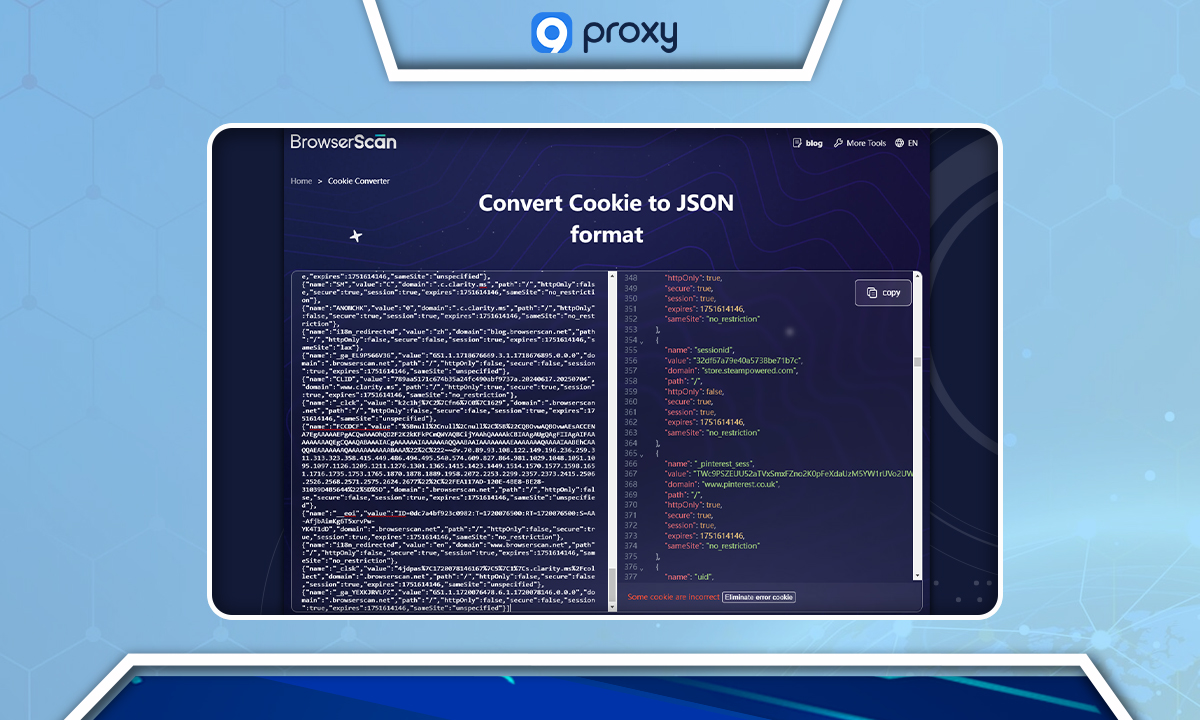
Cookie Converter analyzes and transforms cookies into a readable format.
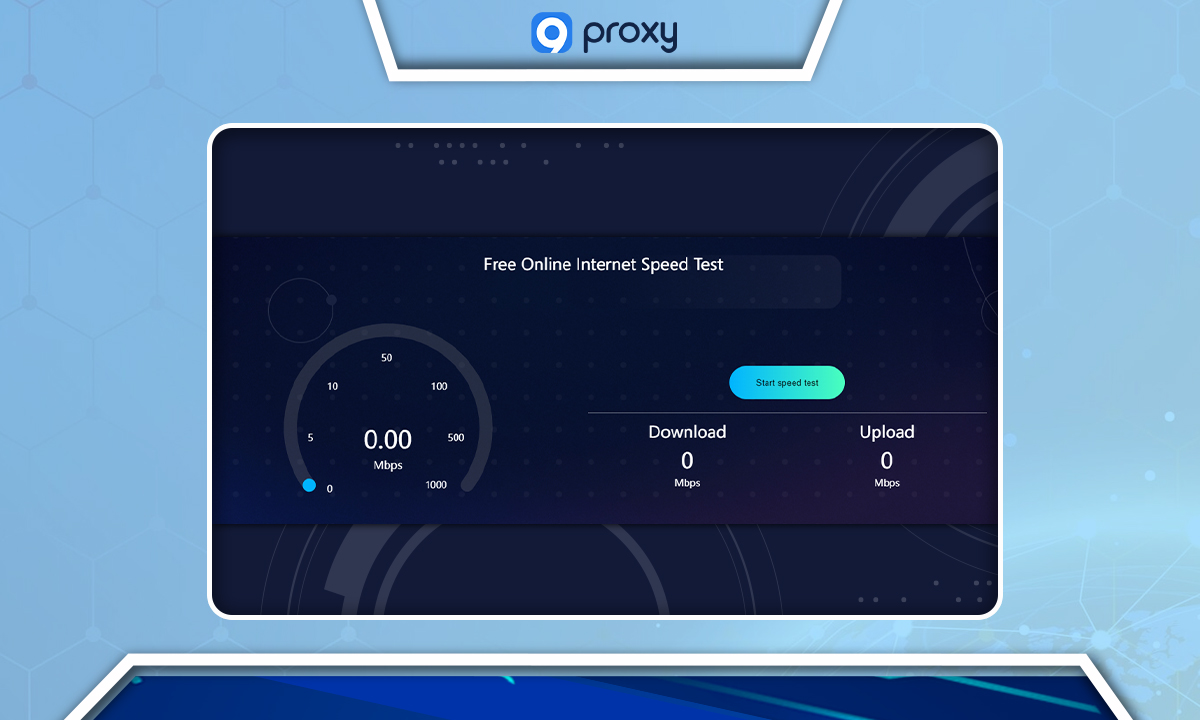
Internet Speed Test evaluates your internet connection’s speed seamlessly, without extra plugins.
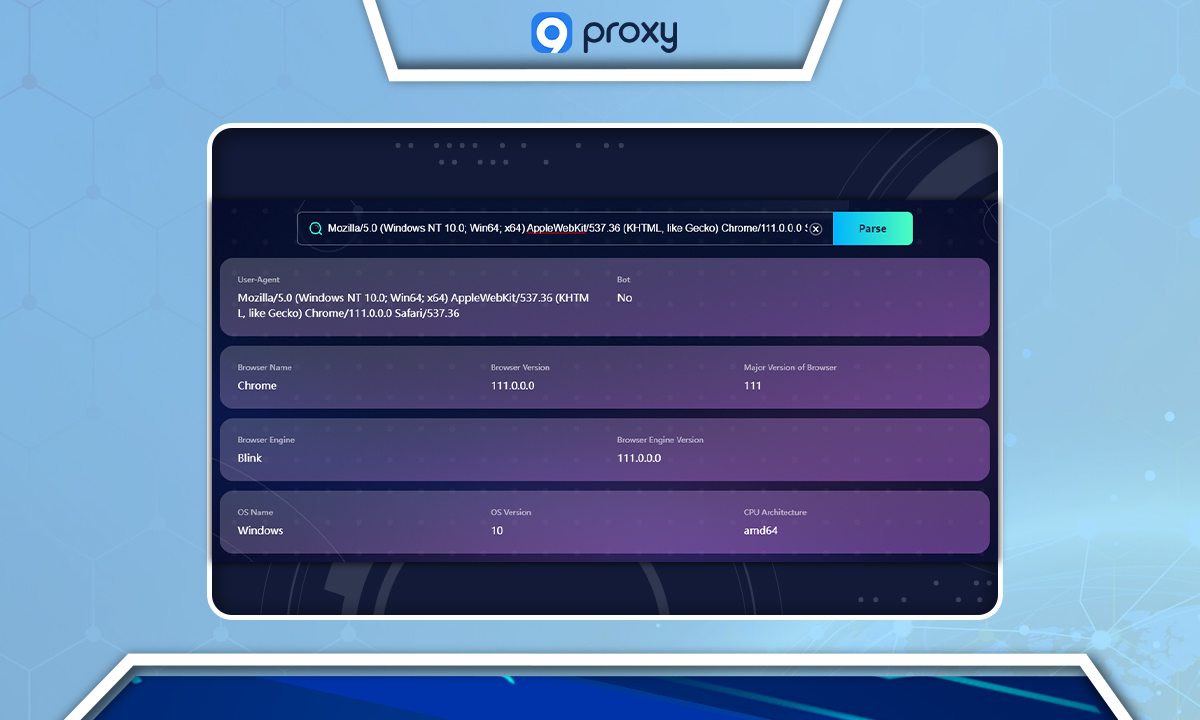
UserAgent Parser extracts and displays detailed information from your browser’s user agent string, including your device and browser configuration.
Why You Need Use BrowserScan?
BrowserScan is important if you manage multiple online accounts or care about keeping your information private. It shows you how websites might track you by looking at your browser's unique fingerprints.
By using BrowserScan, you can find out where your privacy might be at risk and make changes to stay safer online. This tool is key for anyone who wants to keep control of their personal data and avoid being tracked.
Nhận bản tin về mọi thứ liên quan đến proxy