Instagram Proxy Server: Boost Privacy & Streamline Accounts
With over 1 billion active users (as of Apr 2021), Instagram is one of the biggest social media platforms in the world. Are you looking to use it, but with enhanced safety and anonymity? In this blog, we'll dive into the world of Instagram proxy servers, unlocking a realm of privacy and security for your social media experience.
What is an Instagram Proxy Server?
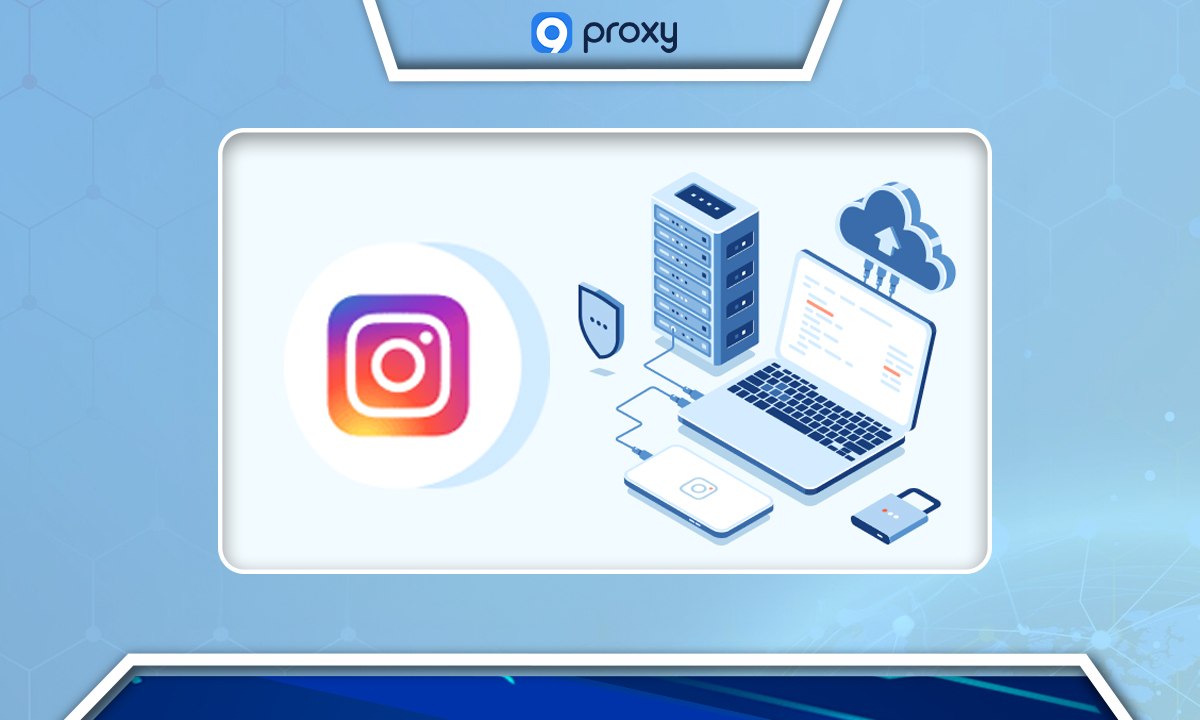
An Instagram proxy serves as a disguise for your device, concealing its authentic online address. It helps users get around blocks, have more privacy, and handle many accounts without causing issues on Instagram. However, they should be used correctly, follow Instagram's rules, know their local laws, and pick safe providers.
Types of Instagram Proxy Servers
Explore the various types of Instagram proxy servers below to find the perfect fit for your needs.
1. Residential Proxies
- Residential proxies use IP addresses linked to real household devices. It's like borrowing your neighbor's internet connection.
- They emulate ordinary internet users, thereby reducing the likelihood of detection and blocking. This camouflage makes them perfect for activities where blending in matters, such as market research, handling multiple social media accounts, or buying limited-edition items like sneakers online.
2. Datacenter Proxies
- These proxies operate through IP addresses sourced from large facilities termed as data centers.
- They're generally faster and cheaper compared to residential proxies. Their speed is valuable for tasks needing quick, stable connections, like verifying online ads, comparing prices across websites, or monitoring website rankings in search engines.
3. Mobile Proxies
- Mobile proxies are associated with mobile devices, typically operating on 3G or 4G networks.
- They mimic real mobile device users. This is helpful for testing apps, automating tasks on social media, or managing multiple accounts. They also let you see content specific to mobile users or work around restrictions on mobile internet networks.
Best Instagram Proxy Servers
Here are the most popular and trusted Instagram proxy servers that are essential for various online activities.
9Proxy
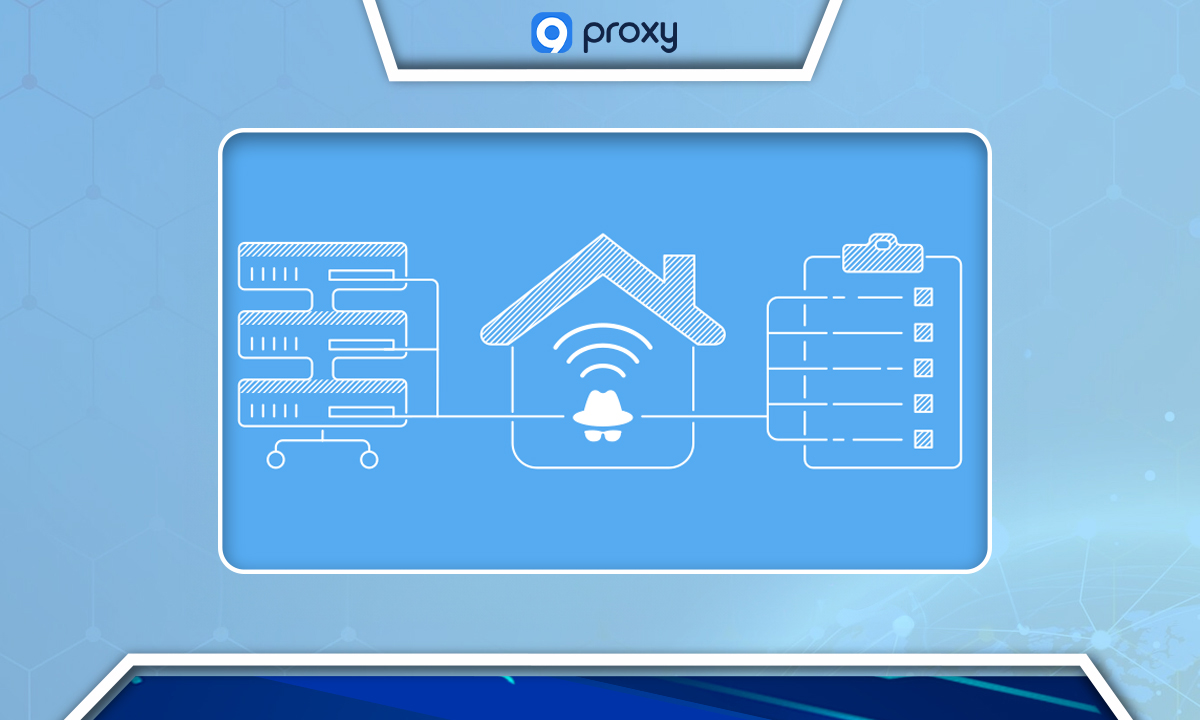
9Proxy offers really fast, trustworthy proxies. They keep you safe online and work with both regular websites and those with extra security. You can get around problems like CAPTCHAs, location blocks, and IP bans using their big list of proxies from many places.
IPRoyal
Offers proxies that come from real people in over 195 countries. They let you target specific cities to work better and reduce the chance of getting banned.
Bright Data
They have Instagram proxies with lots of features, like changing residential and mobile IPs. They're known for having a big network and lots of advanced options.
NetNut
Gives you ISP proxies that you can adjust to target different parts of the US. They offer quick and dependable proxies, great for Instagram tasks and gathering data.
SOAX
Focuses on high-quality proxies, including the types you'd find at homes, on mobiles, or in big data centers. They support SOCKS5 and have a huge collection of over 8 million IPs, all gotten in the right way.
Smartproxy
Presents residential proxies backed by an expansive IP assortment and city-specific targeting. They are a go-to choice for fast and dependable proxies tailored for Instagram promotion and automation.
MarsProxies
Offers trusted proxies with over 550,000 untainted IP addresses dispersed in 200 global locations. They make sure you can use Instagram freely and keep your account safe.
How to Choose a Reputable Instagram Proxy Server Provider?
If you are scratching your head not knowing what proxy server to choose, follow our guidelines:
1. Understand the Proxy Types:
Datacenter Proxies: Fast and affordable, coming from large data centers.
Residential Proxies: Use home internet connections, making them look like ordinary users. They're pricier but are less detectable by platforms like Instagram.
Mobile & ISP Proxies: Linked to mobile device networks, great for appearing as regular mobile users.
2. Consider the Proxy Pool Size: A bigger pool of IP addresses means more options. Seek providers that boast millions of IPs, enhancing your chances of finding the perfect match.
3. Check Location Options: Ensure the provider has proxies in regions you're interested in. Some top-tier services even offer worldwide coverage.
4. Price & Hidden Costs: While budget matters, don’t just look at the initial price. Scrutinize for any hidden charges or restrictions. Always delve into the fine details before committing.
5. Customer Support: Opt for services with strong customer support. Bonus points for those offering trials or refunds if their proxies don’t live up to expectations.
6. Proxy Performance:
Speed & Reliability: Essential for efficient operations.
Purpose-Specific: Dedicated proxies work well for extensive tasks. Residential proxies, on the other hand, are great for blending in with everyday Instagram users.
Benefits of Using an Instagram Proxy Server
1. Speedy Access:
Proxies can help websites, like Instagram, load faster by saving cache memory from sites you've visited. When you return to the site, they use this stored memory to reduce loading time, making your browsing experience quicker.
2. Enhanced Security:
Proxies act as an extra layer of security between you and potential online threats. By serving as a protective shield, proxies make it more difficult for malicious actors to access sensitive information, such as credit card details.
3. Boosted Privacy:
Proxies enhance privacy by making it harder for websites to track your online activity. They achieve this by changing and hiding your original IP address, the digital "address" that websites use to identify users.
4. Anonymous Browsing:
Proxies allow for anonymous browsing, helping you use the internet without revealing your actual location. This feature is especially useful for businesses outsourcing social media tasks or those with international employees, ensuring that logging in from various global locations doesn’t trigger alerts on platforms like Instagram.
5. Managing Multiple Accounts:
If you need to run multiple Instagram accounts, proxies make it easier by allowing you to manage several accounts without looking suspicious. This helps prevent potential blocks or warnings from Instagram.
6. Overcoming Restrictions:
Proxies enable you to access Instagram even if there are geographical restrictions or blocks imposed by internet providers. Mobile proxies, in particular, are effective for Instagram-related tasks, helping users bypass such barriers.
Risks of Using an Instagram Proxy Server
1. Account Actions:
Instagram may limit or completely shut down your account if they detect suspicious activity. The platform is particularly strict about using tools like proxies, especially if they suspect you are automating tasks in a way that violates their guidelines.
2. Security Concerns:
There is a risk of data exposure, which could lead to identity theft or data leaks. Bad actors, the people running the proxy, or even the proxy service itself may misuse your sensitive information.
3. Quality Matters:
Not all proxies perform as expected. Opting for sub-par proxy services could jeopardize your Instagram account, and you may not get the value you paid for, risking your account’s stability.
4. Hidden Charges:
Some proxy services might include additional costs that aren’t clearly stated upfront. It’s important to carefully review the terms and pricing details before committing to any service to avoid unexpected fees.
5. Support Reliability:
If you encounter issues, unreliable customer support could leave you without the assistance you need. Prompt and effective customer service is essential to resolving problems quickly.
How to Install a Proxy Server on Instagram
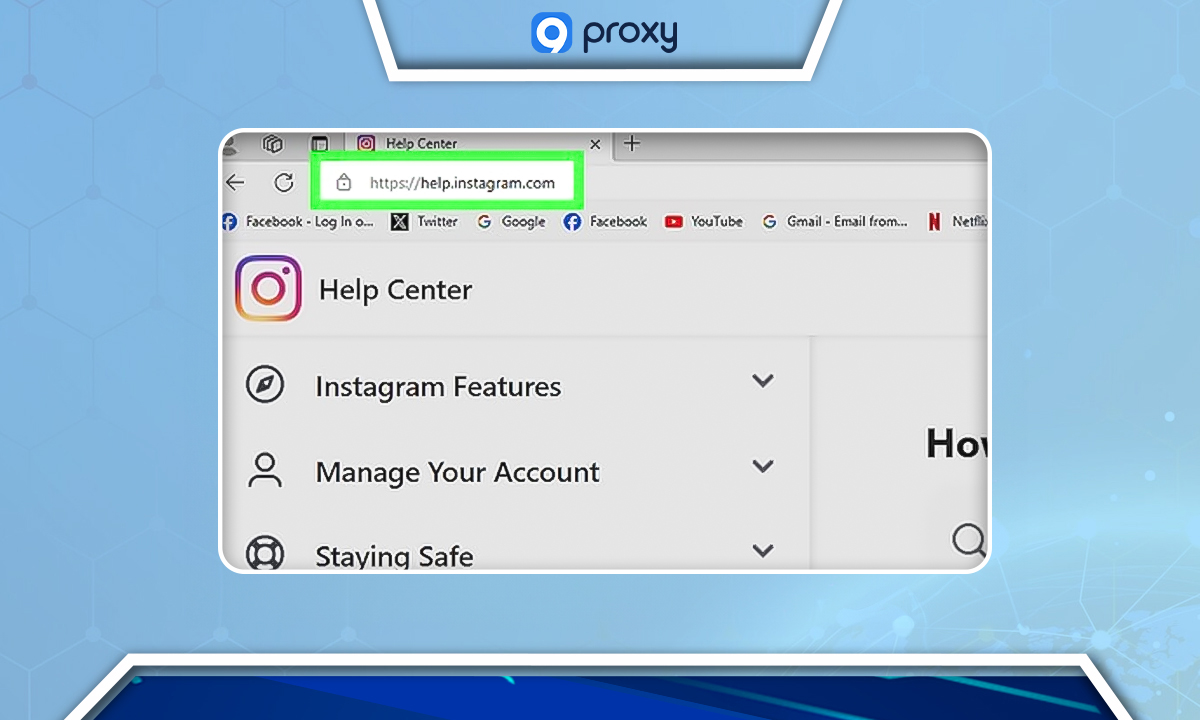
Step-by-Step Guide Using Combin:
- Select a Proxy Provider: Ensure the provider is trustworthy, offers quality service, clear pricing, and dependable customer support.
- Buy the Proxies:
After buying, you'll get details like protocol type, host, port, username, and password.
- Start Combin:
Use Combin Growth or Combin Scheduler and sign in with your Instagram details.
- Go to Proxy Settings:
Click on Tools > Preferences > Proxy.
- Know the Two Proxy Types:
- General Proxy: This changes the IP address for every Instagram account you have in Combin.
- Account Proxy: Lets you give different proxies to specific accounts. It's safer for managing many accounts.
- Set Up the Proxy:
- Click the switch next to one of your Instagram accounts.
- Choose the host type and type in the proxy details your provider gave you.
- Save and Use:
Make sure to save your changes. Now, you're ready to use your new Instagram proxy setup!
Manual Proxy Setup:
For Desktop Browsers:
- Go to your browser's settings.
- Look for something like additional > network > set up proxy manually.
- Type in the IP address and port number.
- This works for most browsers like Google Chrome, Firefox, Opera, Internet Explorer, Safari, and Yandex Browser.
For Mobile Devices:
- Open the "Settings" app.
- Click on "Wi-Fi."
- Hold down on your Wi-Fi network.
- Type in the IP address and port number.
Troubleshooting Common Problems with Instagram Proxy Servers
A proxy server acts as an intermediary between your device and Instagram. It lets you handle many accounts or see stuff that's usually blocked. But, as with any tech, there can be some problems.
Instagram Open Proxy Error:
- Problem: Instagram might have blacklisted your IP, or your proxy isn't compatible with Instagram.
- Solution:
- Use a secure connection like a VPN.
- Change your DNS settings or clear its cache.
- Restart your router.
- If problems persist, contact your Internet Service Provider (ISP).
Account Suspension or Ban:
- Problem: Using a proxy can sometimes trigger Instagram’s security systems.
- Solution:
- Ensure your proxy is of high quality and from a known provider.
- Always adhere to Instagram's guidelines.
Poor Quality Proxies:
- Problem: Low-quality proxies can risk your account’s status on Instagram.
- Solution: Choose proxy providers with strong reviews and established reputations.
Unexpected Costs:
- Problem: Some providers might have undisclosed costs.
- Solution:
- Thoroughly read terms before committing.
- Choose providers known for transparency.
Inconsistent Customer Support:
- Problem: Difficulty in getting assistance.
- Solution:
- Prioritize providers with strong customer reviews regarding support.
- Look for providers offering trial periods or refunds for unsatisfactory service.
Slow Loading Time:
- Problem: Open proxies, used by many simultaneously, can slow down access speed.
- Solution:
Seek high-quality proxies known for speed and efficiency.
FAQ
How does an Instagram proxy server work to protect my privacy and security?
A proxy server acts as a middleman between you and Instagram, hiding your original IP address by routing requests through a different IP. This masks your identity online.
Are Instagram proxy servers legal to use?
While using proxies isn't illegal, ensure you adhere to Instagram’s terms and relevant laws. Always use proxies ethically and responsibly.
Will I get banned from Instagram for using a proxy?
Using proxies provides different IP addresses for accounts, reducing the risk of IP bans. However, managing multiple accounts can increase the cost of proxies.
Can Instagram detect if I'm using a proxy?
Instagram can detect some proxies, but residential proxies, which originate from real devices in genuine locations, are harder to identify and less likely to be flagged.
Conclusion
In conclusion, an Instagram proxy server is more than just a tool; it represents a gateway to a more private, secure, and flexible online experience on the platform. By harnessing its capabilities, users can navigate the digital landscape of Instagram with ease and confidence. If this intrigues you, there's a wealth of knowledge awaiting you in our other blogs at 9Proxy.
Get Newsletters About Everything Proxy-Related